How much does a website redesign cost in 2026?
Real price ranges for a redesign, when a cheaper refresh is enough, and the checklist that keeps your Google rankings when the new site goes live.
Read the guide →
It is almost always one of four things. Google hasn't found the site yet. Something on the site is telling Google to stay away. Google found it but chose not to add it to its index. Or it is indexed but ranks too low for anyone to see. A five-minute check tells you which one you have, each has its own fix, and none of them involve paying Google.
By Elijah Ching · Published Oct 30, 2026 · 10 min read
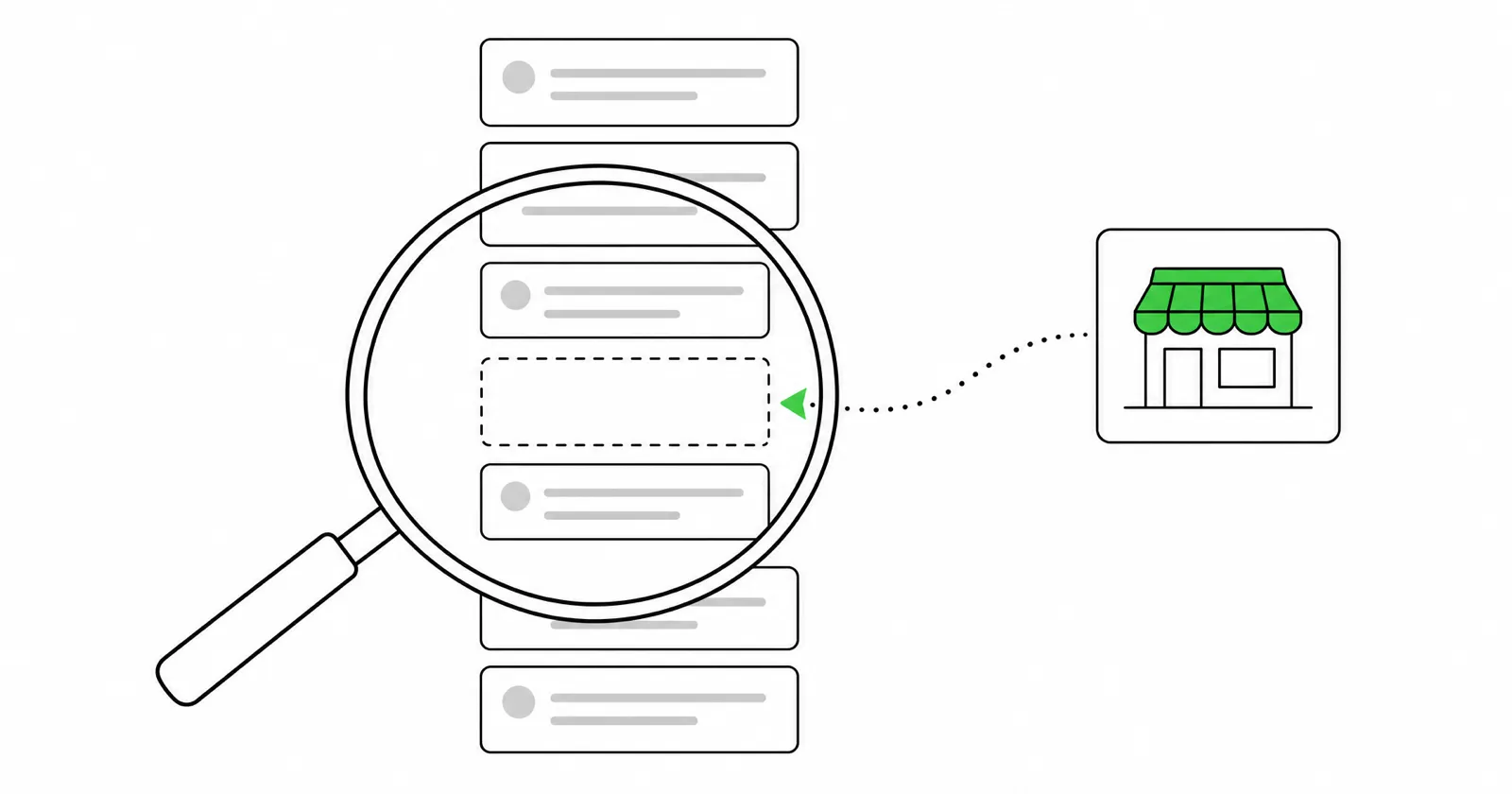
It helps to know how Google works. It finds pages (crawling), stores them (indexing), then picks which ones to show for each search (ranking). In Google's own words, not every page makes it through each stage, and Google "doesn't guarantee that it will crawl, index, or serve your page." It also "doesn't accept payment to crawl a site more frequently, or rank it higher." If someone offers to submit your site to Google for a fee, keep your money.
Work through these three steps in order. Each answer points to one of the four fixes below.
Which problem do you have?
site:yourbusiness.com, using your own web address.
A site: search is a quick look, not a full list. Google says a page that is indexed "can show up" in those results but isn't guaranteed to. URL Inspection in Google Search Console is the real answer. Search Console is free. Adding your site takes a few minutes: you prove you own the web address, usually by adding a short code where you bought it, and Wix can connect it for you.
We checked primilink.com on October 30, a few days after relaunching it. The homepage was indexed, and so were two guides we had published the day before. Our web design page was "Discovered – currently not indexed," and our services page was still "URL is unknown to Google," even though both were in the sitemap we had given Google. Same site, same sitemap, three different answers. That is normal for a new site, and it is why you check the specific page you care about, not just the homepage.
This is normal for a new site or a new page. Google says crawling "can take anywhere from a few days to a few weeks." You can't force it, but you can point Google in the right direction:
yourbusiness.com/sitemap.xml. WordPress builds one at /wp-sitemap.xml unless an SEO plugin replaces it. Google calls a sitemap "merely a hint," but it is the standard first step.This is the most common cause on sites that were just built or rebuilt. A setting that kept the unfinished site private gets left on after launch. Check the one for your platform:
yourbusiness.com/robots.txt. If it says Disallow: / under User-agent: *, every crawler is being told to stay out of the whole site. Remove that line. Coming-soon and maintenance-mode plugins can block Google the same way.Once the block is gone, request indexing for your key pages. Pages usually come back after Google's next visit.
Search Console uses specific wording for this, and each status means something different:
| Status | What Google says it means |
|---|---|
| Discovered – currently not indexed | Google found the page but hasn't visited it yet. Typically it postponed the visit because it expected to overload your site. |
| Crawled – currently not indexed | Google visited the page and didn't add it. It "may or may not be indexed in the future," and there's no need to resubmit it. |
| Duplicate without user-selected canonical | Google sees the page as a copy of another page and shows that one instead. |
A brand-new page sitting at "Discovered" for a week is usually just waiting its turn. If pages stay stuck for weeks, the fix is to make them worth Google's time:
If a search for your business name finds you but "roof repair Hilo" doesn't, Google has your site. It just ranks other pages higher for that search. That's a different problem from indexing, and it's where most of the real work is:
This is the work our local SEO service does for service businesses.
www version when you use the plain one. URL Inspection shows the address Google picked as the main version of the page.The map results come from your Google Business Profile, not your website. A perfectly indexed website won't put you on the map, and a business can appear on the map with no website at all. To show up there, you need a verified profile with the right category, your service area, your hours and real reviews. Verification alone can take several business days, as covered in how long a website takes.
| Situation | Typical wait |
|---|---|
| A brand-new site or page | A few days to a few weeks, per Google. Our own guides were indexed the same day they went up. Some of our service pages took longer. |
| After removing a noindex tag or a block | Until Google visits again. Request indexing to prompt it. |
| After requesting indexing | Often days, but Google doesn't guarantee it, and asking again doesn't speed it up. |
| Ranking higher after improving pages | A few weeks to several months. |
site: plus your web address.Our free website score checks in about 30 seconds whether Google and AI tools like ChatGPT can read your site, along with phone speed and your Google listing. If the problem is the site itself, every site we build organizes each page around what people search for, sets up your Google Business Profile to match and connects Google's free tracking tools so you can watch it work. Plans start at $249 a month.
Checked October 30, 2026.
Add it to Google Search Console, submit your sitemap and request indexing for your main pages. Then make sure nothing is blocking Google, give each service its own page, and link to your site from your Google Business Profile.
Google says crawling can take a few days to a few weeks. Requesting indexing in Search Console often speeds up your most important pages. Ranking well for competitive searches takes months.
No. Google says it doesn't accept payment to crawl a site more often or rank it higher. Google Ads can put an ad on the page, but that's separate from regular search results.
You can't force it, but you can ask. Use URL Inspection in Search Console and click Request indexing. There is a daily limit, and asking again for the same page doesn't make it faster.
Google has indexed your site, but other pages rank higher for those searches. Give each service its own page with the service and town in the title, set up your Google Business Profile, and give it a few weeks to a few months.
Map results come from your Google Business Profile, not your website. You need a verified profile with the right category, your service area and hours. A website on its own won't put you on the map.
Real price ranges for a redesign, when a cheaper refresh is enough, and the checklist that keeps your Google rankings when the new site goes live.
Read the guide →Google replaced its Guaranteed badge and ended the money-back guarantee. What the new badge requires, what leads cost by trade and when it pays off.
Read the guide →Tell us what you do and who you are trying to reach. We will send back a plan and a specific price. No cost, no obligation, and no pressure.