Website maintenance checklist: what to check every week, month and year
What to check weekly, monthly and yearly, the signs a site's been left too long, and the safe order for catching one up.
Read the guide →
If your website was built a few years ago and hasn't had much attention since, a handful of free tools will tell you what's wrong in about an hour: whether it's up, whether the padlock works, whether Google can see it, whether it's quick on a phone and whether anything is broken. To show what they catch, we ran the same checks on 370 Big Island service business websites on November 6, 2026. Half of them had at least one problem these tools would have flagged, from pages nobody had changed in years to a contact link that went nowhere.
By Elijah Ching · Published Nov 6, 2026 · 14 min read · Sites checked Nov 6, 2026
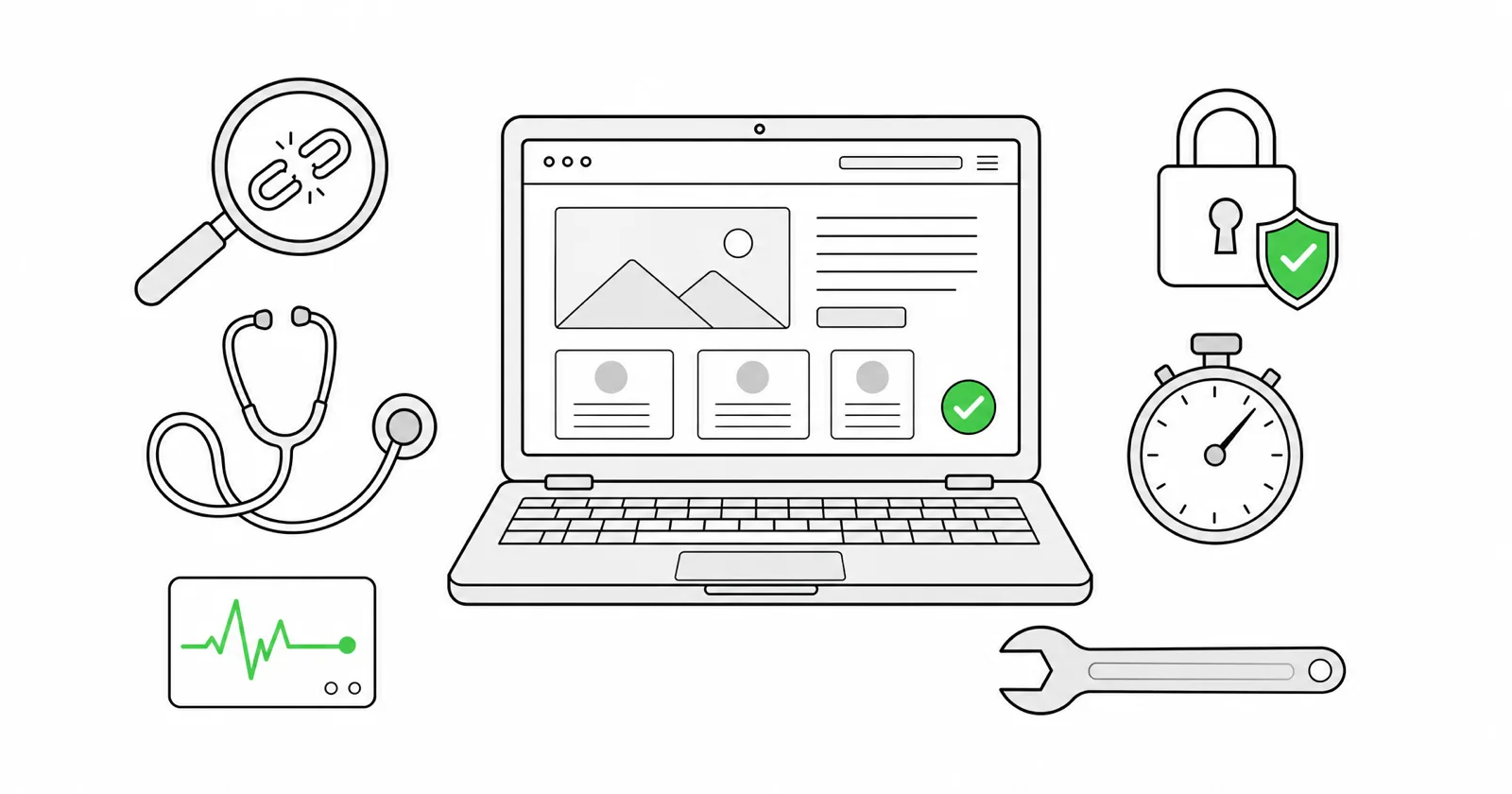
What the checks found on 370 working websites
We used the list from our 440-site phone test: every website listed on the Google profiles of 690 service businesses around Hilo and Kona, from plumbers and electricians to dentists, law firms and charters. On November 6, 2026, a script opened each homepage in Chrome on a phone-size screen and ran the checks the tools below run: the security certificate, the software versions the page gives away, analytics code, up to 20 links and 10 images on the homepage, and the sitemap that tells Google when pages last changed. WordPress versions were compared against WordPress.org's own list of current and insecure versions. 370 homepages loaded normally. We only checked homepages, and we don't name any business.
/sitemap.xml to the end of your web address and look at the newest date.Or get most of it in one report from our free website score, which checks phone speed, SEO basics, whether AI tools can read your site, and your Google listing.
Then work through the tools below in order. The first five matter for every website. The rest matter most on WordPress or on a site nobody has looked after in a while.
What it does: visits your site every few minutes and emails you when it stops answering, so you hear about an outage from a robot instead of a customer.
Cost: UptimeRobot's free plan watches 50 sites every 5 minutes, and its terms allow business use. Better Stack's free tier watches 10, every 3 minutes, and is meant for personal projects.
What we found: Five days earlier, in our phone test of the same list, 39 of the 440 websites listed on Google profiles, about 9%, didn't work for anyone who tapped the link: web addresses that no longer exist, error pages and sites that never answered. Nothing tells the owner when that happens. An uptime monitor would have emailed them the day it did.
How often: set it up once and leave it running.
What it does: the padlock means your site has a valid security certificate and uses current encryption. Click it in your browser to see who issued the certificate and when it expires. For a full grade, run Qualys SSL Labs' free test: A is good, and a site still accepting the old TLS 1.0 or 1.1 encryption is capped at B.
Why it matters: Chrome shows a full-page warning on sites that only offer TLS 1.0 or 1.1, and Safari marks them "Not Secure." That warning is the first thing a customer sees, before your site.
What we found: The padlock itself is mostly a solved problem: most hosts now renew certificates automatically, and none of the secure sites had an expired certificate or outdated encryption. The gaps were elsewhere. 9 sites (2%) don't use the secure version at all, so browsers mark them "Not secure," and two of those have a certificate that expired years ago, in 2018 and 2021, so anyone who types https:// gets a full-page warning. Another 25 (7%) have a padlock, but the plain http:// address doesn't redirect to it, so people following an old link or typing the address land on the version without one.
How often: once a year, or whenever you change hosting. Certificates from good hosts renew themselves.
What it does: Google's free service shows which of your pages are in Google, which searches you appear for, and what's stopping other pages. It also emails you if Google spots signs of hacking or indexing problems, which is the most useful email you'll never want to get.
Cost: free. You prove you own the site once.
How often: a look once a month, plus reading its emails. If pages are missing, here's how to find out why your site isn't showing up.
What it does: Google's free speed test combines real visits from Chrome users (when your site has enough traffic) with a test load of the page. The three Core Web Vitals to pass: the main content shows within 2.5 seconds, the page responds to a tap within 200 milliseconds, and nothing jumps around while it loads.
What we found: In our November 1 test of the same websites, the typical homepage took about 3 seconds to finish loading on a fast office connection, 17% took over 5 seconds, and 18% weighed more than 3 MB, mostly photos that were never shrunk for the web.
How often: monthly, and after any change to the homepage. Google retired its separate Mobile-Friendly Test in December 2023 and points people to Lighthouse, the test built into Chrome, which PageSpeed Insights runs for you.
What it does: follows every link on your site and lists the ones that go nowhere, plus broken images and redirect chains.
Cost: Screaming Frog SEO Spider is a free download that crawls up to 500 URLs, enough for most small business sites. Ahrefs Webmaster Tools is free for sites you verify and runs in the browser, with a site audit that lists broken internal and external links.
What we found: We checked up to 20 links and 10 images on each homepage, and only counted one as broken if it led to "page not found" or a web address that no longer exists. 45 sites (12%) had at least one. On 8 of them, the broken link was the contact, quote or booking page, the one link a homepage most needs to work. A full crawl of every page would find more.
How often: monthly, and after you remove or rename a page.
What it does: on WordPress, Tools > Site Health lists what's out of date, from WordPress itself to plugins, themes and the PHP version underneath. Since version 5.5 you can switch on automatic updates for each plugin and theme from the Plugins and Themes screens.
Why it matters: WordPress.org's release page puts it plainly: "Only the most recent in the 7.1 series is safe to use and actively maintained." PHP, the language WordPress runs on, has its own clock: versions 8.1 and older no longer get security fixes, and 8.2 stops getting them on December 31, 2026.
What we found: 141 of the sites run on WordPress, and 106 show their exact version. 29 of those, 27%, weren't on the current release, 7.1.4, which came out October 28. 16 (15%) were still on version 6 or older, including one on 5.0, released in 2018. Of the 26 sites whose server announces its PHP version, 7 run versions that no longer get security fixes, four of them on PHP 7.4, which lost support in 2022. And 34 sites (9%) load a copy of jQuery, a common JavaScript library, older than version 3.5.0, the 2020 release that fixed two known security flaws.
How often: weekly, or let automatic updates handle it and check monthly. On Squarespace, Wix, GoDaddy and Duda the platform updates the software for you.
What it does: Sucuri SiteCheck is a free scanner that looks at your site from the outside for known malware, malicious code, out-of-date software and whether Google or others have blocklisted it. Google's Safe Browsing site status tells you whether Chrome is warning visitors away.
Know the limit: Sucuri says so itself: a remote scan can't see files on the server. A clean result is good news, not a guarantee. If you see spam pages in Google for your web address, or visitors report strange redirects, call someone.
How often: monthly, and right away if anything looks odd.
What it does: Google Analytics 4 counts visits and where they came from. Microsoft Clarity is free and shows recordings and heatmaps of what people actually tap, which is often more useful for a small business.
Why it matters: Google's older Universal Analytics stopped recording on July 1, 2023, and Google began deleting the old properties and their data in July 2024. A site with only the old code has been counting nothing for more than three years.
What we found: 61 sites (16%) still carry Universal Analytics code. Most also have the newer GA4 tag, so the old code is just clutter. But on 7 sites it's the only Google Analytics on the page, so their Google Analytics hasn't counted a visit since July 2023.
How often: a monthly look at what brought calls and messages. To check your own site, open your Google Analytics account: if it only has a property ID that starts with "UA-", you need a new GA4 property and new code on the site.
What it does: WebAIM's WAVE checker (online, or as a Chrome, Firefox or Edge extension) marks accessibility errors right on your page: images with no description for screen readers, low-contrast text, form boxes with no label.
Why it matters: people with disabilities are customers too, and website accessibility demand letters reach small businesses. WebAIM's 2026 study of the top million homepages found detectable failures on 95.9% of them.
What we found: 113 of the 366 homepages with images (31%) had at least one image with no description at all, and 22 (6%) don't tell browsers what language the page is in, which screen readers rely on. WAVE flags both in seconds.
How often: once a year, and after a redesign.
What it does: most websites publish a sitemap, a list of pages with the date each last changed. Add /sitemap.xml to your web address to see it. The Wayback Machine shows saved copies of your site over the years, which can also help you recover old text and photos if a site is lost.
What we found: 309 of the sites (84%) publish a sitemap, and 262 list dates in it. The typical one last changed a page about five months ago, but 34% hadn't changed one in over a year, 20% in over two years, and the oldest not since 2012. Don't trust the footer year: 23 sites showed 2026 in the footer but hadn't changed a page in over a year. The year in many footers updates itself. The pages don't.
How often: a look every few months. If the newest date is over a year old, see the maintenance checklist.
What it does: a backup is a copy of your whole site stored somewhere else. On WordPress, the free UpdraftPlus plugin (over 4 million sites use it) backs up on a schedule to Google Drive, Dropbox and other storage. Many hosts also keep daily backups. Wix's Site History restores earlier versions of your site. Squarespace has no full-site backup or revision history, only a 30-day restore for deleted pages and posts, so keep your own copies of your words and photos.
How often: automatic, daily or weekly. Test a restore every few months; a backup you've never restored is a guess.
What it does: ICANN Lookup shows which company your web address is registered with and when it expires. If you don't recognize the company, or can't log in to it, fix that before anything else. A password manager such as Bitwarden (free for one person, and free to share with one other person) keeps the logins for your registrar, hosting, website and Google accounts in one place you control.
Why it matters: one of the most common stories in small business forums isn't a hacked site. It's a web designer who stopped answering while holding every login. If that's you, how to hire a web designer covers getting your logins back.
How often: once a year, at renewal time, and whenever someone leaves.
Every tool here is free, or has a free version that covers a small business site.
| Tool | Checks | How often |
|---|---|---|
| UptimeRobot or Better Stack | Site down | Always on |
| Browser padlock, SSL Labs | Certificate and encryption | Yearly |
| Google Search Console | Indexing, hacking alerts | Monthly |
| PageSpeed Insights | Speed on a phone | Monthly |
| Screaming Frog or Ahrefs Webmaster Tools | Broken links and images | Monthly |
| WordPress Site Health | Out-of-date software | Weekly |
| Sucuri SiteCheck, Safe Browsing | Malware, blocklists | Monthly |
| Google Analytics 4, Microsoft Clarity | Visits and what people tap | Monthly |
| WAVE | Accessibility | Yearly |
| Sitemap, Wayback Machine | When it last changed | Every few months |
| UpdraftPlus, host or platform backups | Getting it back | Automatic |
| ICANN Lookup, Bitwarden | Ownership and logins | Yearly |
Every site we build launches with backups switched on, and when a price, a photo or your hours change, you send a quick request and we take care of it. You own the site, the words, the photos and the logins, and your web address is registered in your name. If these tools turned up more than you want to fix, our free website score is a good next step, and plans for a new site start at $249 a month.
Checked November 6, 2026.
For most small business sites: an uptime monitor, Google Search Console, PageSpeed Insights, a broken link checker and backups. On WordPress, add Site Health and automatic updates. Every tool in this guide has a free version.
Yes. UptimeRobot (50 sites, every 5 minutes), Google Search Console, PageSpeed Insights, Screaming Frog (up to 500 URLs), Ahrefs Webmaster Tools, Sucuri SiteCheck, WAVE and UpdraftPlus all have free versions that cover a small business site.
Look at the copyright year in the footer, the newest date in yoursite.com/sitemap.xml, and whether your prices, hours and photos are current. Then run PageSpeed Insights and Sucuri SiteCheck. In our check of 370 local business websites, a third hadn't changed a page in over a year.
Sign up for UptimeRobot's free plan, add your web address, and it checks every 5 minutes and emails you when the site stops responding. Add Google Search Console for indexing and hacking alerts.
Screaming Frog SEO Spider, a free download that crawls up to 500 URLs, or Ahrefs Webmaster Tools, free in the browser once you verify your site. Either lists every link that returns an error and the page it's on.
No. Universal Analytics, the version with IDs starting "UA-", stopped recording data on July 1, 2023. If that's all your site has, set up a Google Analytics 4 property and add its code. Of the 370 local business websites we checked, 16% still had the old code, and on seven it was the only Google Analytics on the page.
Fewer of them. The platform handles software updates, hosting and the certificate. You still want Search Console, PageSpeed Insights, a broken link check and an uptime monitor, and on Squarespace your own copies of your words and photos, since it has no full-site backup.
What to check weekly, monthly and yearly, the signs a site's been left too long, and the safe order for catching one up.
Read the guide →We read 9,566 comments on service business videos. Few came from customers, most never got a way to book, and the profile link usually led nowhere useful.
Read the guide →Tell us what you do and who you are trying to reach. We will send back a plan and a specific price. No cost, no obligation, and no pressure.